Mailslide
A Windows + Outlook Classic automation tool for turning repetitive email work into reliable workflows. Use configurable jobs and optional LLM plugins to classify, route, summarize, and structure email processing.
Warning: AI reads your emails. Make sure emails processed by AI do not contain personal privacy data or business confidential information, or use a local model for processing.
Disclaimer: This project is provided as-is and does not guarantee the security of data processed by third-party or local AI models. The project authors are not liable for any data breach, confidential information leakage, or related damages resulting from user inputs or model services. Users are responsible for risk assessment and compliance with organizational policies and applicable laws.
Why use Mailslide
- Close to Existing Workflow: Standardize Outlook Classic email processing workflow: can create multiple Jobs with fixed rule execution, without changing the team's original email operation habits.
- Scheduling Support: Can set up schedules; Jobs will automatically execute as long as the program is not closed.
- Extensible Plugin Architecture: Supports multiple built-in plugins and can extend custom workflows through modules, suitable for gradual implementation.
- High LLM Flexibility: Compatible with OpenAI endpoints and local models, balancing performance, cost, and data control requirements.
- Observable Workflow: Execution log provides per-email and per-batch execution metrics (such as time consumption, LLM call counts, plugin results), facilitating optimization and auditing.
- Risk Control Design: Supports manual review routing, backup writing, and validation processes to reduce the impact of automation errors.
- GUI Support: TUI interface lowers the learning curve. Supports mouse and keyboard operations.
Typical use cases
- Operations and assistants: triage meeting requests, alerts, and routine inbox traffic.
- PMs and sales: convert email streams into trackable events and summaries.
- Engineering and support: auto-tag and prioritize incoming threads.
30-second start (End users)
Install python(3.13+) and uv, then run the following command:
uv tool install mailslide
mailslide-tui
After first launch, open About and click Initialize Config.
Please restart after initialize config
Upgrade:
uv tool upgrade mailslide
When a release changes config schema, the app auto-migrates config/config.yaml on load and writes a timestamped backup (for example: config.yaml.bak.20260327_153000).
Then in TUI:
- Open About and click Initialize Config.
- Open Configuration and set Jobs / LLM / Plugins.
- Return to Home and run a job (
Preserve RE/FWisONby default and can be toggled on Home).
Screenshots
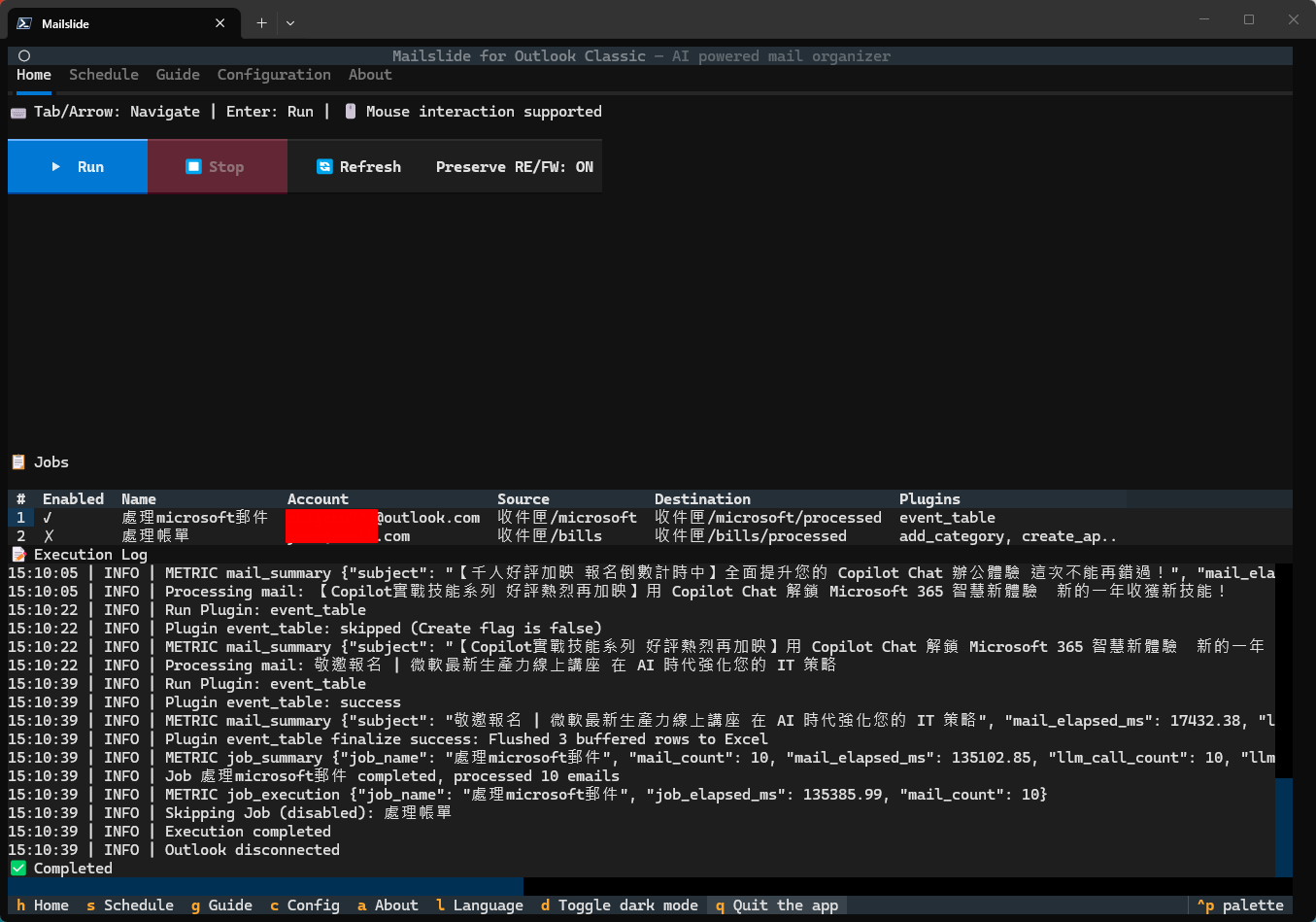
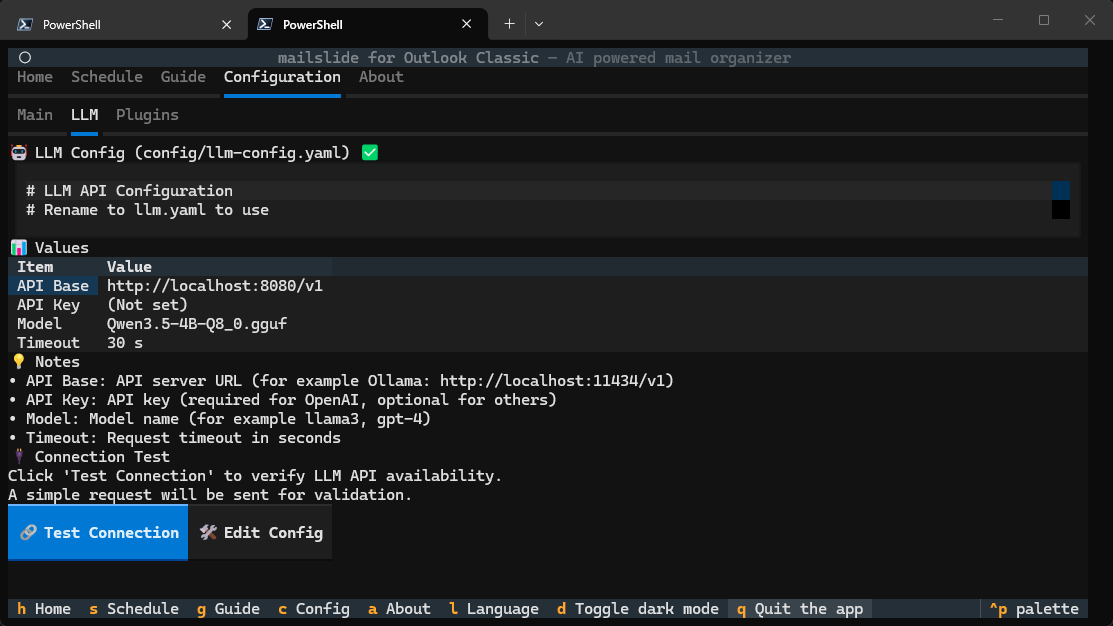
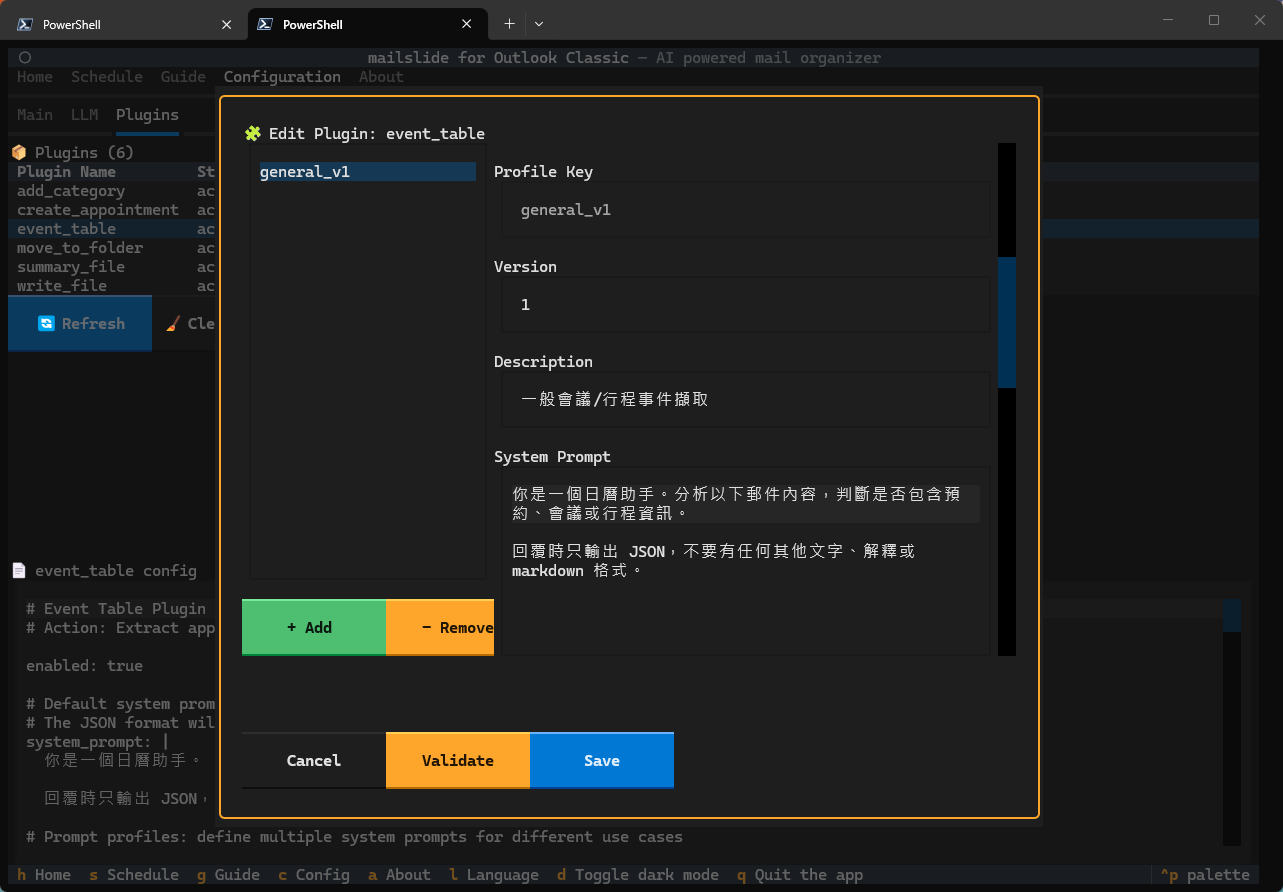
Plugin Capability Matrix
| Plugin | Primary purpose | LLM required | Typical output |
|---|---|---|---|
add_category |
Classify emails and add categories | Yes | Outlook category tags |
move_to_folder |
Decide and move target folders | Yes | Folder move result |
create_appointment |
Create calendar items from email content | Yes | Outlook calendar items |
event_table |
Extract event data into a table | Yes | output/events.xlsx |
summary_file |
Generate summaries and priorities | Yes | output/email_summaries.csv |
write_file |
Export raw email data | No | output/*.json |
download_attachments |
Download attachments to disk | No | output/<job_name>/<filename> |
Requirements
- Windows
- Outlook Classic (not New Outlook)
- Outlook must stay open while running
License
GPL-3.0